QR codes remove friction: one scan can open a menu, confirm a ticket or begin a payment. The same convenience also removes a familiar safety check. With an ordinary hyperlink, its wording and destination may offer clues before a click. A QR code presents only a pattern, while the address remains hidden until a device decodes it. That small change gives phishing attempts more room to look legitimate.
The Destination is Concealed
A QR code is a container for data, often a web address. Its squares reveal nothing meaningful to the human eye. A printed code on an official-looking notice and a fraudulent code can therefore appear equally credible. Even after scanning, a phone may display only part of a long address, especially when the preview is brief or the domain is surrounded by extra characters.
The difference becomes clearer when the same warning signs are compared:
| Check | Ordinary hyperlink | QR code |
| Destination | May appear in visible text or a hover preview | Hidden until the code is scanned |
| Context | Usually remains inside the original message | Can move the action to another device |
| Tampering | Requires changing digital content | A sticker can cover a genuine printed code |
| Urgency | Suspicious wording can be reviewed with the link | The scan itself encourages immediate action |
A QR code is not dangerous by definition. The problem is that it delays inspection until the person has already begun following the instruction.
A Trusted Object Can Carry an Untrusted Code
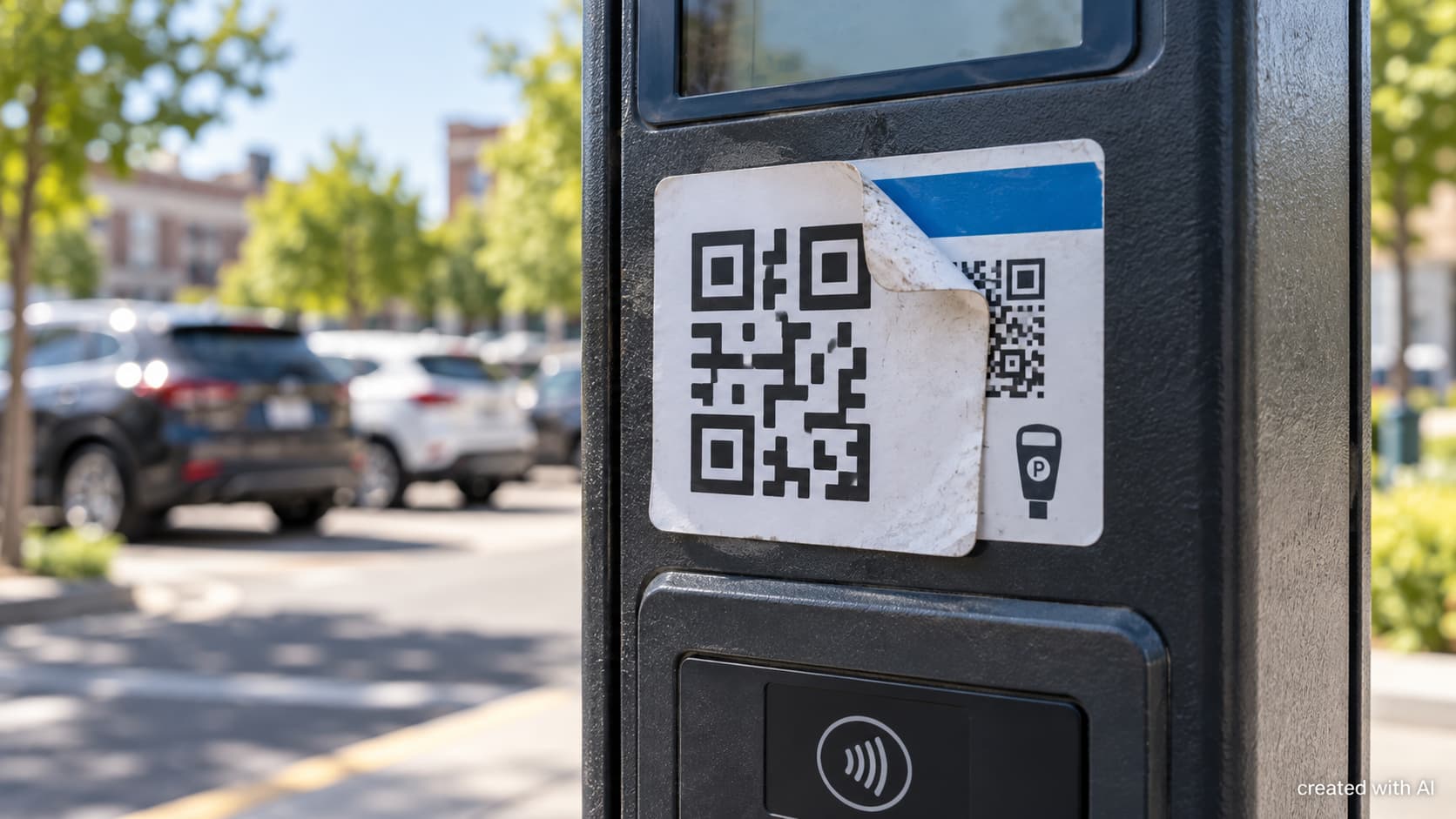
Physical placement supplies credibility that the destination has not earned. A malicious sticker can be placed over the real code on a parking meter, restaurant sign, parcel notice or event poster. The surrounding object is genuine, but the replacement code is not. A rushed customer may see the meter, assume the payment route belongs to the operator and enter card details on a convincing copy.
A raised edge, mismatched print quality or a label placed on top of another label deserves attention. However, a neatly printed sticker is not proof of safety. A carefully prepared replacement can blend into the design of the original notice.
Email Codes Can Cross a Security Boundary
A QR code inside an email creates another advantage for an attacker. The message may be viewed on a managed work computer, but the code is scanned with a personal phone. That transfer can move the next step away from corporate browser controls, link inspection and network monitoring.
The code is also an image rather than a conventional clickable URL. Some protective systems can analyze QR images, but coverage varies, so the format may reduce the value of checks designed mainly for text and links. A fake Microsoft 365 or webmail page can then ask for a username, password and multifactor code. If those details are entered quickly, the attacker may try them while the temporary code is still valid.
What Happens After the Scan
Scanning alone does not automatically mean that an account or phone has been compromised. The greater risk usually begins when the destination is opened and a person enters information, approves a login, installs an application or grants a permission.
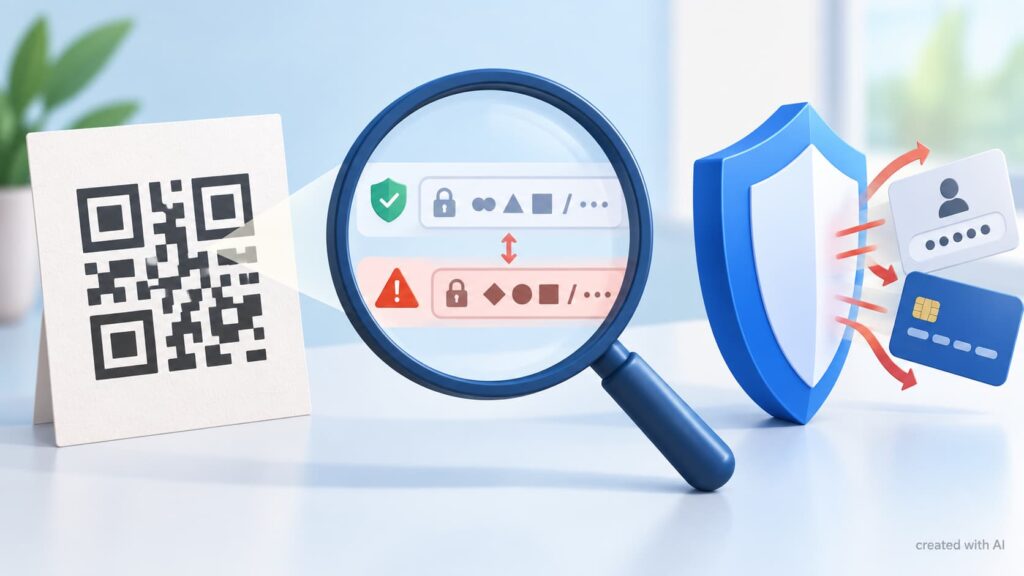
A padlock icon does not settle the question. HTTPS protects the connection between the browser and the site, but a phishing site can also use HTTPS. The requested action and the actual domain therefore matter more than the polished appearance of the page.
A Short Check Before Acting
A useful pause takes less time than recovering an account. Before continuing after a scan:
- inspect the full domain for swapped letters, added words and unfamiliar endings;
- avoid a shortened address when the code is requesting a login or payment;
- open the organization’s official app or type its known address independently;
- check a physical label for overlays, cuts, bubbles or inconsistent branding;
- reject unexpected requests to install an app, configuration profile or browser extension.
The Federal Trade Commission has warned about fraudulent codes covering legitimate ones on parking meters, as well as codes sent with false delivery and account alerts. Its advice is to inspect the destination and contact the organization through a known website or telephone number when a message appears suspicious.
The strongest verification uses a separate route. A delivery problem can be checked in the retailer’s app, a parking payment can be started through the operator’s official app, and an account alert can be reviewed by typing the known site address. This breaks the path chosen by the sender.
If Information Has Already Been Entered
After credentials are submitted to a suspicious page, the password should be changed through the genuine service, active sessions revoked and recovery details checked. The organization’s security team should be notified if a work account was involved. Reused passwords must also be replaced on other services.
The FBI’s Internet Crime Complaint Center reports that altered QR codes can lead to sites designed to capture login and financial information or redirect payments. For card information, contacting the issuer promptly is more useful than waiting for an unfamiliar charge. If the code led to an application or profile installation, it should be removed and the device reviewed.
The central lesson is simple: a QR code deserves the same scrutiny as any link, plus an extra check for the physical or digital context that made it look trustworthy.